01 · Imagery
What the cameras saw
Raw fisheye and undistorted perspective frames from three cameras, with human and device masks so the operator never ends up in the scene
Images, camera poses and measured geometry for frontier world models and robotic simulation
Coverage
30M+ camera observations tied to measured geometry and camera position, from real environments
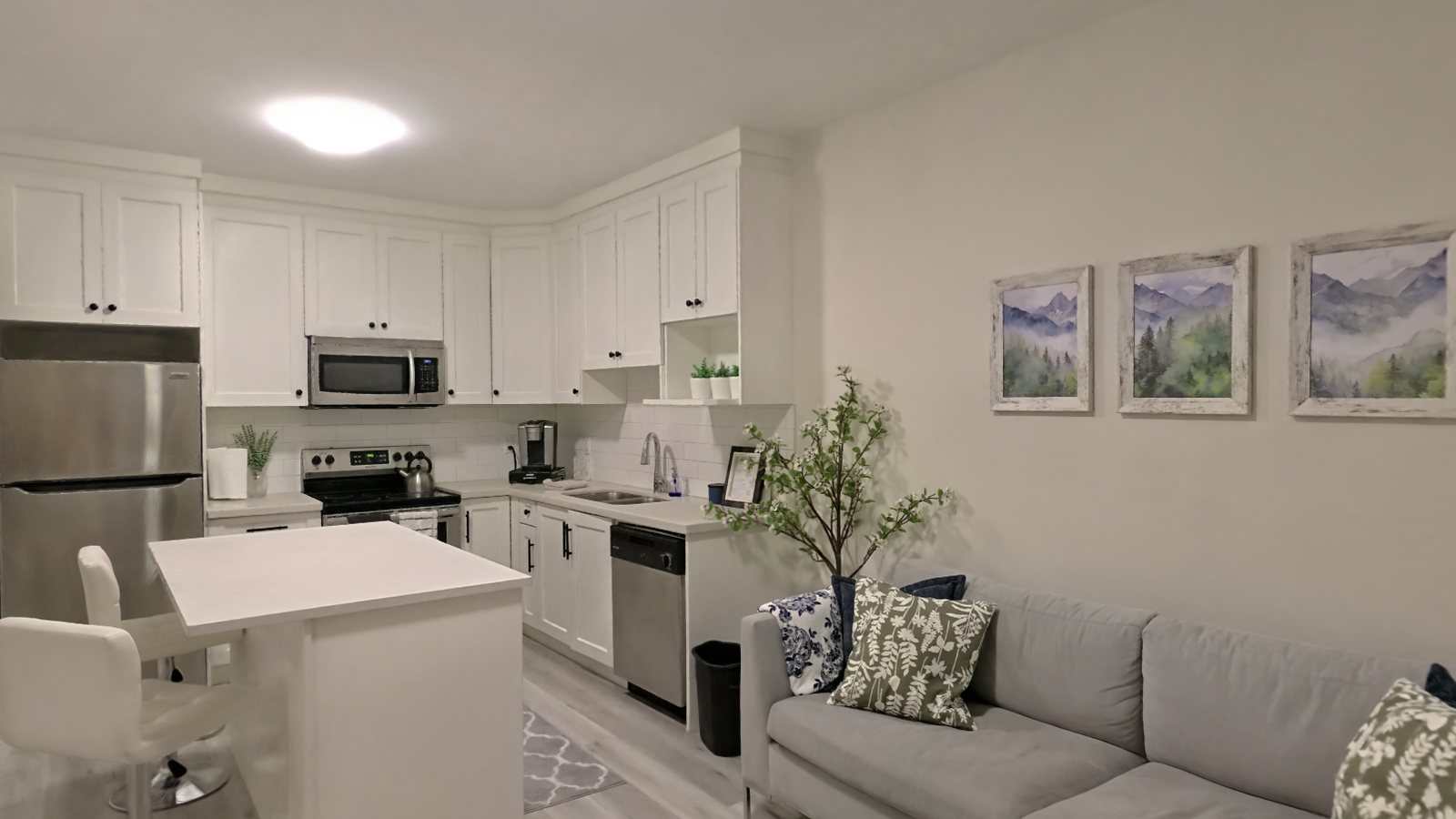
Homes, kitchens, living rooms, hotel rooms and suites, commercial floors and construction sites
Two kinds of team read the same library differently. One needs the measurements behind the pixels. The other needs a room a robot can be dropped into
For world-model teams
Explicit 3D data is hard to source. Most public indoor datasets are research-only, and video has nothing measured behind it. We pair source imagery with camera poses and lidar geometry, so your model gets the connection between what a camera saw and the space around it
Four layers, one coordinate frame
Schematic stand-in drawn from the real layer stack. Real captures load the same layers, ask for the sample pack to run them yourself
Raw fisheye and undistorted perspective frames from three cameras, with human and device masks so the operator never ends up in the scene
COLMAP sparse reconstruction for both image sets. Device trajectory at 10 Hz, IMU at 200 Hz. Delivered camera-to-world in TUM format
Gaussian splat PLY for photoreal rendering, lidar point cloud for structure, a decimated collision mesh and a per-scene navigation mesh
Per-frame instance labels: class, instance id, source image, 2D box, and a 3D oriented box with centre, size and quaternion, fused from imagery, poses and 3D coordinates
For robotics and simulation teams
Start with the library. 10,000 captured environments, already more varied than anything a team would build by hand, ready to train in today. When the target site is the whole point, we go and capture that one instead
Homes, kitchens, hotel rooms and suites, commercial floors and construction sites, across 25 cities in 8 countries. Run the same task across hundreds of real rooms instead of one synthetic warehouse. Delivered as USD, so it loads into Isaac Sim or anything else that reads USD
Available now · nothing to captureRecreating a facility by hand is weeks of modelling before a robot ever sees it, and the model is stale the moment the racking moves. We capture the building with cameras and lidar and deliver photoreal visuals with measured geometry, simulation-ready. Test against the real layout and clearances, rerun the task, recapture as the site changes
On site · one to two days per propertyRunning in simulation today
A real space in the delivery format, splat, lidar, collision, poses and USD
Five layers, one coordinate frame, so a pixel in any image resolves to a point in the room. Hover a layer to see the files
Fisheye and undistorted frames from three cameras, operator and rig masked out
camera_0..2/fisheye + perspective framesmasks/human and device masks, per frameWhere every frame was taken from, at 10 Hz, with IMU at 200 Hz
poses.csvcamera-to-world, TUM formathigh_frequency_poses.csvIMU, 200 Hzcolmap/cameras.bin · images.bin · points3D.binPhotoreal splat for perception, lidar and collision proxy for contact, navmesh for the floor
splat.plyGaussian splatcloud.laslidar point cloud, metriccollision.objdecimated proxynavmesh.objwalkable floorEvery object named and boxed, in 2D and as an oriented 3D box
instances.jsonclass · instance id · source framebbox2d · bbox3dcentre, size, quaternionLoads into Isaac Sim as delivered, splat for what the robot sees, proxy for what it touches
scene.usdzUSD scene, proxy split from splatcamera.jsonintrinsics + extrinsicsStart with the sample pack, the shortest path to knowing whether this data fits your stack
Twenty-five scenes in the delivery format. You pick which files you need, so we do not send you anything you will not open
Bulk access to the library by scene type, with the full delivery schema: imagery, poses, splat, collision, semantics
Environments you need and we don't have yet. We run the capture; you get the same delivery format
For labs publishing on reconstruction, world models or sim-to-real. Scenes plus poses, on citation terms
Roughly 1,500 scenes released publicly on citation terms, a successor to what ScanNet gave the field. Downloadable, no email
Query the library by room type, geography and modality, and pull scenes straight into your pipeline
Start here